Define what each system will manage
Record in one shared place who changes prices, availability, descriptions, photographs and rules. Airbnb supports different synchronisation scopes: all details or pricing and availability only. Check the official connection options and your listing's actual settings.
Ask the provider to explain exceptions. For example, what happens to a change made directly on the platform or to a rule the software does not support?
Record the answer as a working procedure so two people do not edit the same field in different systems.
Prepare the existing listing
Before connecting, save a secure copy of future reservations, blocked dates and current prices. Include owner use, maintenance and any preparation gaps. Guest details must be available only to authorised partners.
Use the existing listing where the provider's process permits. Check the mapping carefully, especially if you have similar apartments in the same building. A correct name linked to the wrong property may look convincing until the first reservation arrives.
Confirm the connection and its result
Airbnb explains where the management software connection status appears within listing settings. It also provides a process for checking discrepancies in its connected listing management guide.
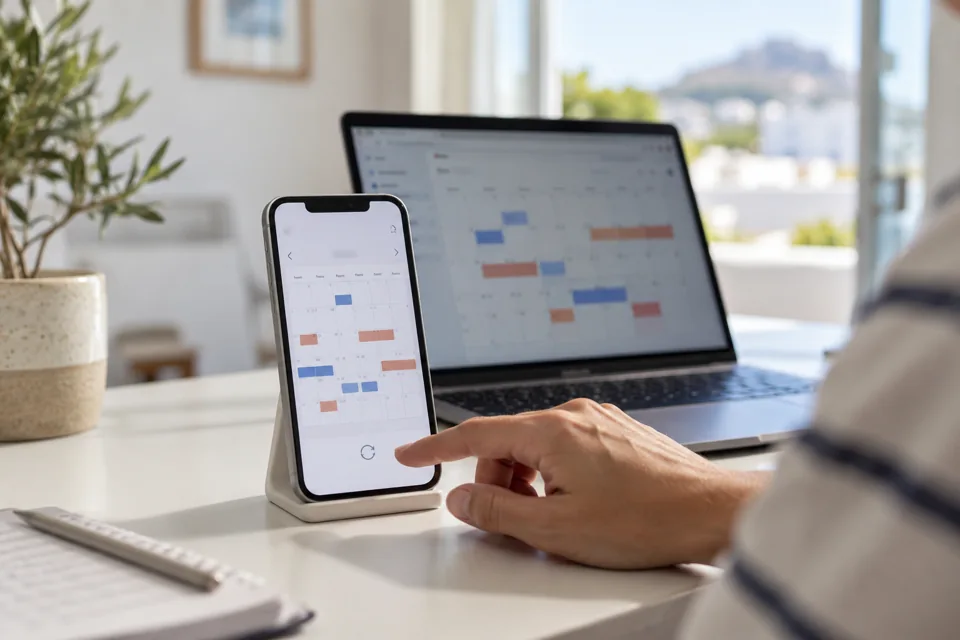
On an unbooked date, with no risk to a guest, carry out a controlled blocking test. Verify that the result appears in the Airbnb calendar, then restore the original state.
If testing a price, choose one you would actually accept and check the final amount for the correct stay scenario.
Do not create fake reservations to prove the connection works. Ask the provider for a safe way to test changes and cancellations. Record when each update began, when it completed and how the team is notified of an error.
Connection acceptance checklist
- Correct property and correct existing listing.
- Reconciled future reservations and blocked dates.
- Confirmed prices, restrictions and additional charges.
- Documented exceptions for each field.
- An appointed reviewer and available provider support.
- An alternative procedure if updates stop.
If the calendars do not agree
First check rules and update status, repeat synchronisation from the software and contact support. Airbnb advises against disconnecting or deleting and recreating a listing as a makeshift solution to a discrepancy.
If changing providers, follow a separate transition plan. The official software switching guidance stresses immediate reconnection and updating calendars and reservations. With Hostions, you can organise a channel connection review before daily operations rely on the new automation.