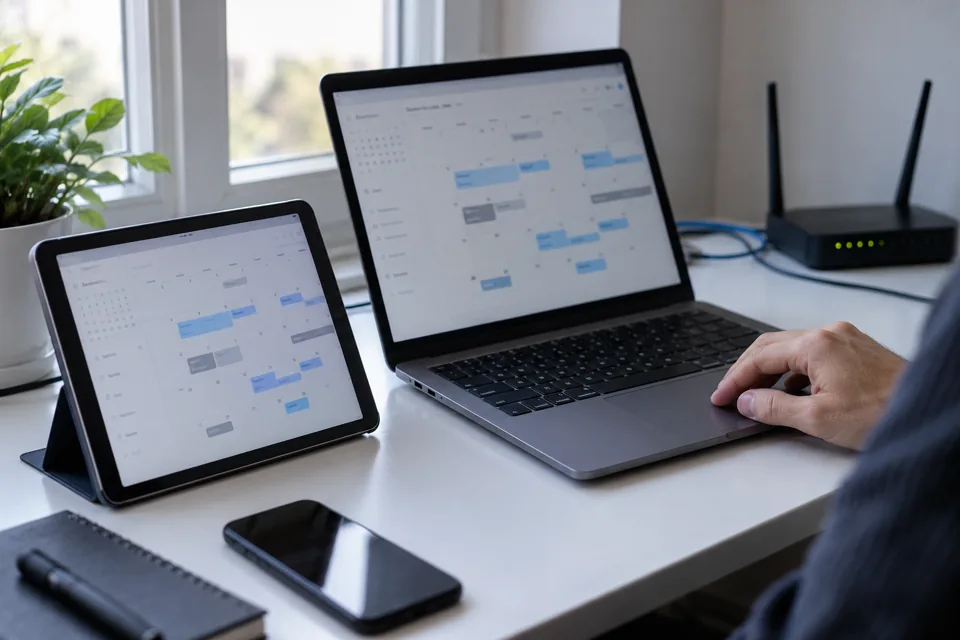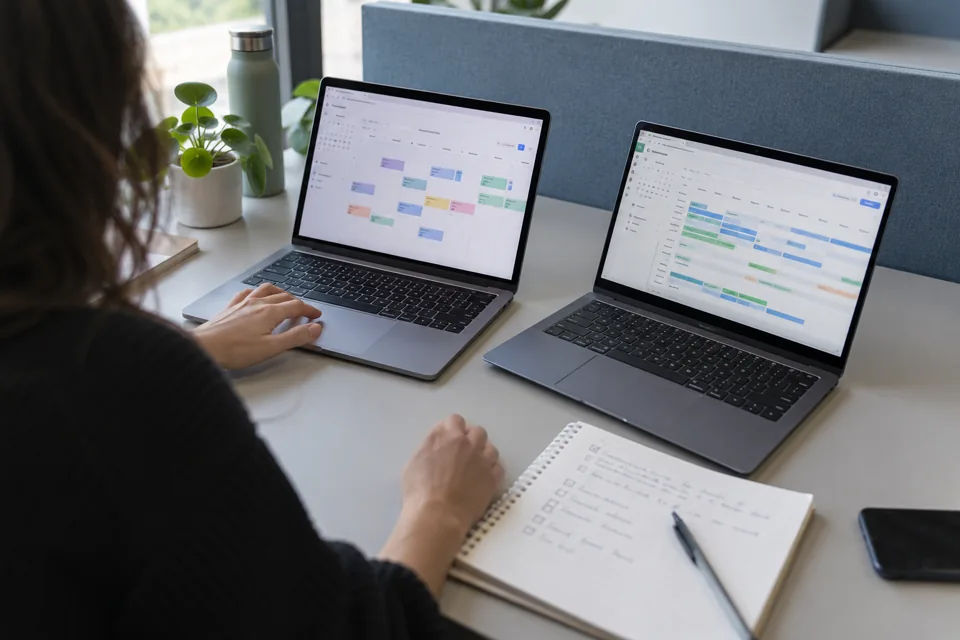
What iCal transfers
Treat iCal as an exchange of calendar events rather than a unified booking system. Do not expect it to transfer prices, photographs, policies or conversations. Check separately which blocked periods are exported and how the other platform interprets them.
Airbnb states that imported calendars refresh automatically every three hours, with manual refresh available subject to frequency restrictions. Speed in the reverse direction depends on Vrbo. See the official Airbnb syncing procedure.
There is therefore a period during which the two availability views may differ.
First direction: Airbnb to Vrbo
In Airbnb, select the correct property and open the availability and calendar connection settings. Copy the export link. In Vrbo, open the corresponding calendar and choose to import an external calendar.
Paste the link and give it a clear name, such as “Airbnb for this apartment”. Use the calendar link rather than the public listing address. Protect it as property operating information and do not publish it.
Second direction: Vrbo to Airbnb
In Vrbo, find calendar connection and export. The official export instructions explain how to copy the link. They also clarify that including tentative bookings is intended for a private calendar rather than export to another booking website.
Import the Vrbo link into Airbnb's external calendar connection section and give it an appropriate name. Check that it refers to the same property. Importing in only one direction leaves the other platform without the necessary updates.
Test before relying on the connection
- Compare all existing future bookings.
- Check maintenance and owner-use blocks separately.
- Test a controlled block on a date without a guest.
- Confirm arrival, departure and correct interpretation of the final night.
- Check how availability updates after removing the block.
- Record the latest refresh and the person responsible for checking.
If the views disagree, do not leave that period exposed while waiting. Check links, property and latest refresh, and manage availability temporarily with a designated responsible person. An old import does not establish that the connection works today.
Is seeing one old booking enough?
No. An already imported booking confirms only that a transfer happened at some point. You need to test a new change in both directions, including removal or modification of the event.
Also agree who rechecks the calendar when a booking changes, so a mobile notification is not automatically treated as a completed sync.
When a broader connection is needed
If you need shared prices, rules and booking monitoring, consider property management software (PMS) or a channel manager, a tool for connecting booking channels. Airbnb describes different software connection levels, which require verification for each channel.
Hostions organises channel management around these needs and the procedure for handling exceptions.